How to Write Blog Posts That Rank and Get Read
A repeatable writing system for blog posts that satisfy search engines and real readers: intent mapping, the five-part template, readability rules, and a pre-publish checklist.

The two jobs of every blog post
A blog post that ranks but nobody reads is a waste of effort. A blog post that people read but cannot be found is a private journal. The job is to do both: satisfy the algorithm and reward the human.
This is not a conflict if you understand the sequence. SEO gets the click. The writing keeps the reader. A well-structured post does both because it matches what the searcher expected and then delivers more than they expected.
Most SEO writing advice treats the reader as a robot. Most creative writing advice treats search as an afterthought. This article is the bridge. It is a repeatable system for writing posts that rank and get read.
Before you write: map the intent
Search intent is what the person typing the query actually wants. If your post does not match that intent, every other optimisation is wasted.
The four types of search intent
- Informational. The searcher wants to learn something. Examples: "what is composting," "how to start a blog," "why do leaves turn yellow."
- Navigational. The searcher is looking for a specific site or page. Examples: "Create A Successful Blog," "MailerLite login," "Wikipedia SEO."
- Commercial investigation. The searcher is comparing options before buying. Examples: "best email marketing tool for bloggers," "Bluehost vs SiteGround."
- Transactional. The searcher is ready to purchase. Examples: "buy compost bin online," "Namecheap domain registration."
For most new blogs, informational and commercial investigation content will be the majority of your traffic. Transactional keywords are usually too competitive early on. Navigational keywords are not worth targeting unless you are the brand.
Ask what the current results are doing
Before you write, search the keyword. Open the top three results. What format do they use? Is it a list post, a step-by-step guide, a comparison, a case study, or a definition? If every result is a listicle and you write a 5,000-word essay, you are mismatched. The shape of the result is the shape of the intent.
Match and exceed
Your post should match the intent, then exceed it. If the current results are thin listicles, write a deeper listicle with examples. If they are outdated guides, write a more current one. If they are vague, write one with concrete steps. Do not invent a new format for a query that has already decided what it wants.
The five-part post template
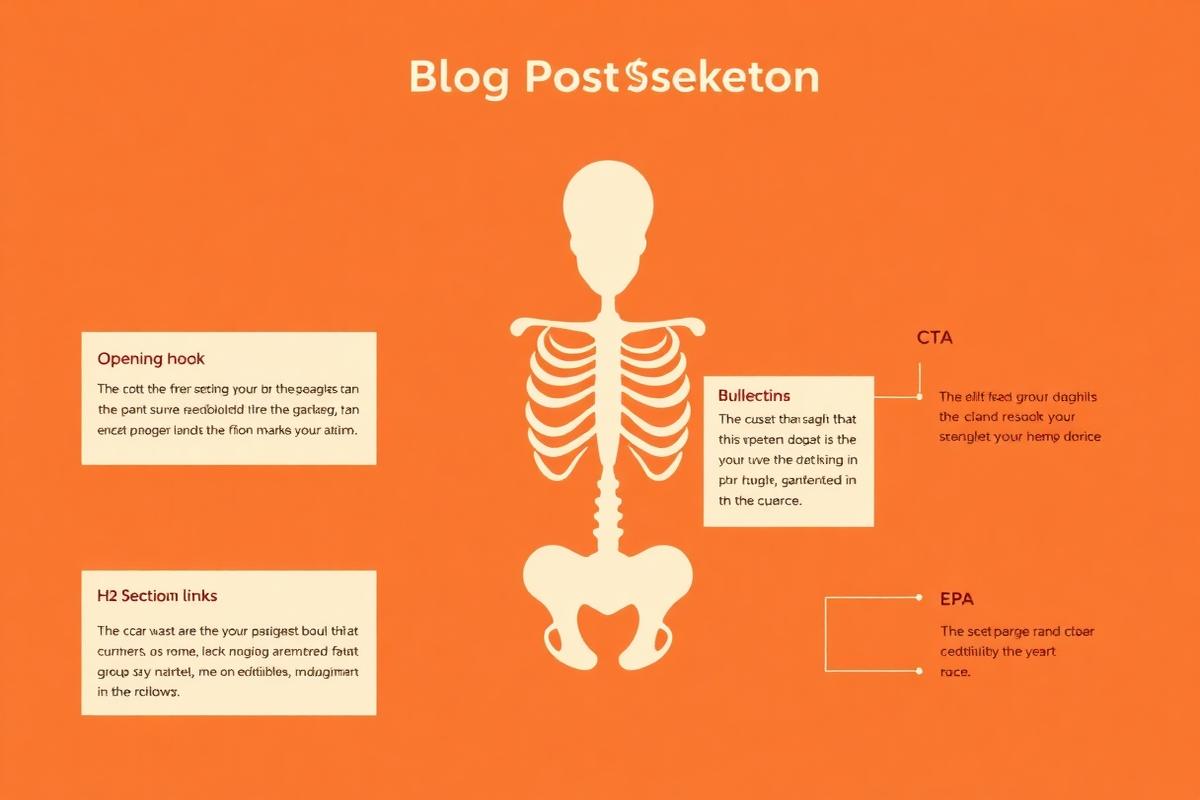
This template works for almost any informational post. Adapt the length and emphasis to the keyword, but keep the structure.
Part 1: The hook headline
The headline must do two things: promise a clear benefit and provide proof or specificity. Vague promises get ignored.
Weak: "How to Write Better Blog Posts"
Strong: "How to Write Blog Posts That Rank in 2024: A 5-Part Template"
Weak: "SEO Tips"
Strong: "21 SEO Tips for New Blogs That Actually Move the Needle"
Include the target keyword near the front when it fits naturally. Front-load the benefit. Use numbers, brackets, or timeframes when they add clarity. Do not write clickbait. The headline should make a promise the post keeps.
Part 2: The problem-agitation opening
The first 150 words are the most important. They must make the reader feel understood, then agitate the problem, then introduce the post as the solution.
Start with a specific scenario. Not "blogging is hard," but "You published your tenth post, and your analytics show four visitors. Three of them were you."
Then agitate: why does this matter? "Without a system, each post is a gamble. Some writers get lucky, but most burn out before they learn what works."
Finally, promise the solution: "This is the writing system I use to make every post intentional, not accidental."
Part 3: The scannable body
Online readers scan. Your body must support that.
Use H2s for the main sections and H3s for subsections. Each heading should give away the value of the section. A reader skimming should still learn something.
Keep paragraphs short. Two to four sentences is ideal. Long paragraphs feel like walls of text on a screen.
Use bullet lists and numbered lists. They break up text and make key points memorable. If a section contains three or more related items, consider a list.
Add visuals. A diagram, screenshot, or chart every 400–600 words gives the reader a resting point. It also increases time on page, which is a soft signal of quality.
Part 4: The evidence section
Readers trust specifics more than general advice. Include evidence in one or more of these forms:
- Data or statistics, with a source link.
- A personal example or mini case study.
- A quote from an expert or practitioner.
- A worked example with numbers.
- A before-and-after result.
If you do not have your own data yet, cite reputable sources. The goal is to show the reader that your advice is grounded, not invented.
Part 5: The unified close
The closing section does three things. It summarises the key takeaway. It tells the reader what to do next. And it links to another related post on your site.
Do not introduce new ideas in the close. The close is for action. The reader should finish the post with one clear next step and a path to keep learning.
Word-count targets by post type
There is no magic word count. But there are useful minimums based on what the post needs to achieve.
- Answer posts: 800–1,200 words. Target a single question and answer it completely.
- How-to guides: 1,500–2,500 words. Include steps, examples, screenshots, and troubleshooting.
- Listicles: 1,200–2,000 words. Each item should add real value, not padding.
- Pillar posts: 2,500–4,000 words. Cover the topic broadly and link to deeper posts.
- Comparison posts: 1,500–2,500 words. Be honest about trade-offs; do not just list features.
- Personal case studies: 1,200–2,000 words. Story + method + results + lessons.
Longer is not always better. A 4,000-word post that repeats itself is worse than a 1,200-word post that answers the question. Match the depth of the top-ranking results and beat them by being clearer, not by being wordier.
Readability rules that also help SEO
Readability and SEO are aligned more than most people think. Google can measure user signals like dwell time and pogo-sticking. A readable post keeps people on the page longer.
Keep sentences short
Aim for an average sentence length under 20 words. If a sentence is longer than 30 words, break it or cut it. The easier your text is to read, the more people read.
Use transition words
Words like "because," "however," "therefore," "in other words," and "for example" guide readers through your logic. They signal that ideas are connected. They also make the post feel more human.
Prefer active voice
Active voice is clearer and more direct. "Publish the post" is stronger than "The post should be published by you." Most writing tools can flag passive voice for you.
Place images strategically
Put an image within the first 300 words to hold attention. Add another image after every major section. Use images to illustrate, not decorate. A confusing diagram is worse than no image.
Write the way you speak, then edit
The best blog writing sounds like a knowledgeable person explaining something to a friend. Draft in your natural voice, then edit for clarity and concision. Do not try to sound like a textbook. Authority comes from usefulness, not jargon.
The internal-linking habit: three links per post, minimum
Internal linking is the most underused SEO tactic on new blogs. Every post you publish should link to at least two other posts on your site, and ideally receive a link from at least one other post.
Internal links do three things:
- They help search engines discover and understand your content.
- They distribute authority across your site.
- They keep readers on your site longer, which improves engagement signals.
Use descriptive anchor text. Instead of "click here," use "the guide to choosing a blog niche." The reader and the search engine both know what to expect.
When you publish a new post, make a note to update one or two older posts with a link to it. This is the simplest way to keep your site connected.

A 7-point pre-publish checklist
Before you hit publish, run through this checklist. It takes five minutes and prevents 90% of common mistakes.
- Title includes the keyword and a clear promise. Under 60 characters.
- Meta description is written, not auto-generated. Under 160 characters, includes a benefit.
- URL slug is short and keyword-focused. No dates, no filler words.
- First 150 words hook the reader and state the problem.
- H2s and H3s make sense on their own. A skimmer should learn the outline.
- At least two internal links to related posts. Anchor text is descriptive.
- One clear call to action at the end. Tell the reader what to do next.
If you run this checklist for every post, the quality of your archive will compound. Small discipline, big result.
Do this next
- Pick one keyword you want to rank for and identify its intent.
- Write a headline using the promise-and-proof formula.
- Draft the first 150 words using the problem-agitation-opening structure.
- Apply the five-part template to your next post.
- Run the 7-point pre-publish checklist before publishing.
- Update two older posts with internal links to your new post.
Further reading
If you want to go deeper on writing posts that build an audience, this book on blogging is the one I keep coming back to. Affiliate link — supports the site at no cost to you.